Personal contact information
How do I add or update my personal contact information?
Follow these steps:
Go to Meny and select Your profile
Select Your profile to view your contact information
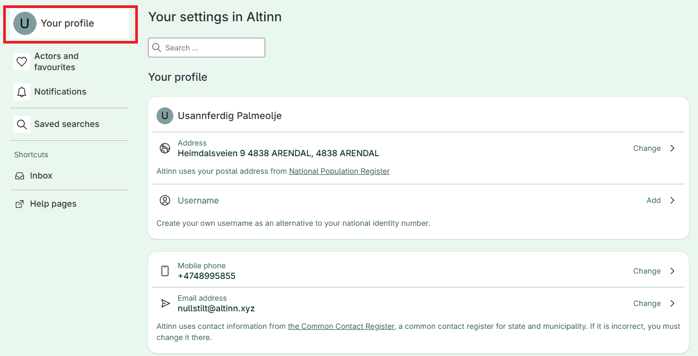
Choose the contact information you want to add or update:
Mobile phone number
Email address
Click on Change
You will be redirected to the Contact and Reservation Register, where you can add or update your contact information.